100% Offline Local Processing · Zero Cloud Upload
AConverter
Universal Audio Converter for Mac: NetEase/QQ music conversion, video audio extraction, 8-thread batch concurrency, and 100% local processing
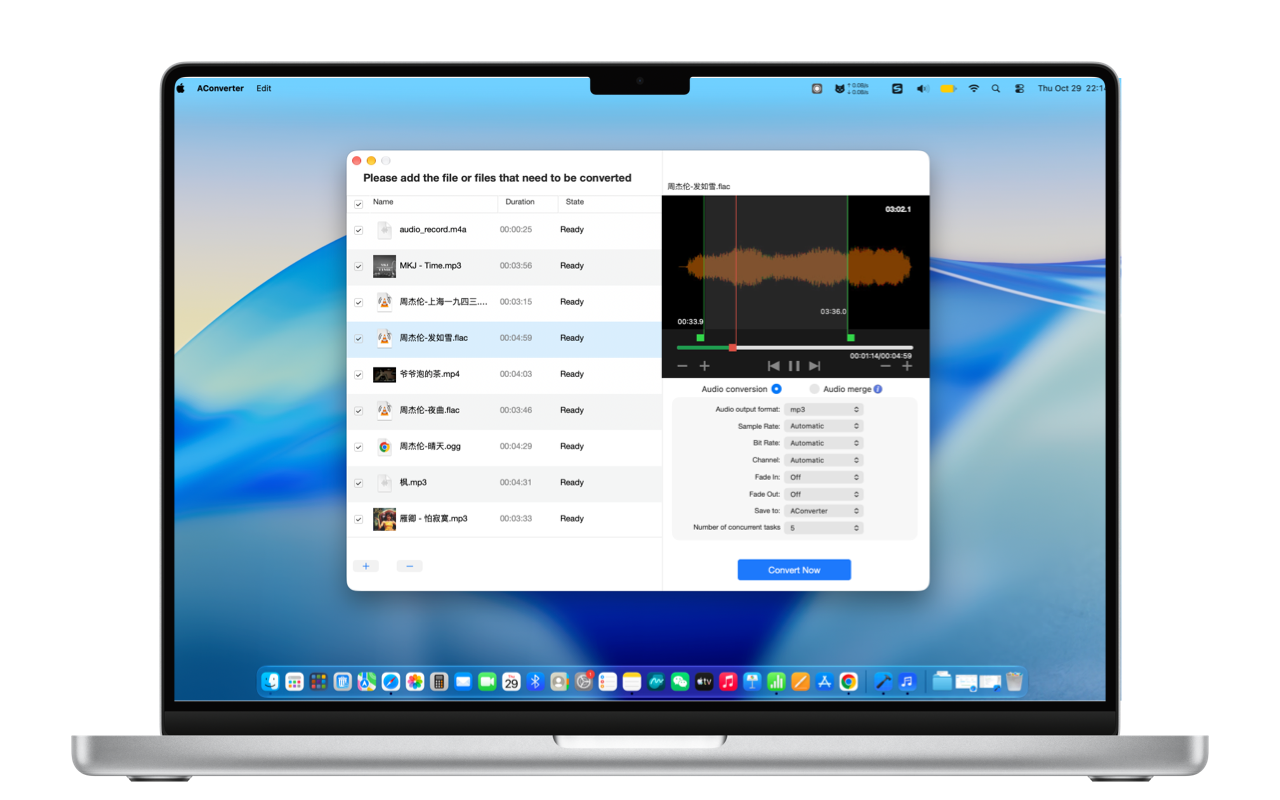
Universal Audio Converter for Mac: NetEase/QQ music conversion, video audio extraction, 8-thread batch concurrency, and 100% local processing
Everything from streaming music format conversions to video soundtrack extraction, ringtone trims, and 8-thread batch processing.
Directly converts proprietary formats from QQ Music (.mflac, .mgg) and NetEase Cloud Music (.ncm) into standard MP3 and lossless FLAC, ready for car stereos and portable DAPs.
Accepts virtually all audio formats: MP3, NCM, MFLAC, MGG, M4A, M4R, WAV, AIFF, FLAC, AC3, AAC, OGG, CAF, AMR, MP2, APE, WMA, and more.
Easily extract pure audio tracks from MP4, MOV, MKV, M4V, AVI, WMV, WEBM, FLV, TS, and more without opening bulky video editing software.
Export to MP3, M4A, M4R, WAV, AIFF, FLAC, AC3, AAC, OGG, CAF, AMR, MP2 with pristine acoustic fidelity and zero quality loss.
Fine-tune sample rates (8kHz to 192kHz), bitrates (up to 320kbps / lossless), stereo/mono channels, and smooth audio fade-in & fade-out durations.
Fully unleashes Apple Silicon hardware multi-core performance. Convert dozens of songs in parallel simultaneously in seconds with customizable concurrency.
Integrated audio player and millisecond-accurate waveform editor. Effortlessly preview, trim clips, add fade transitions, and export iPhone .m4r ringtones.
Drag and drop multiple voice recordings or podcast chapters to merge them sequentially into a single file. 100% local offline conversion guarantees zero cloud leakage.
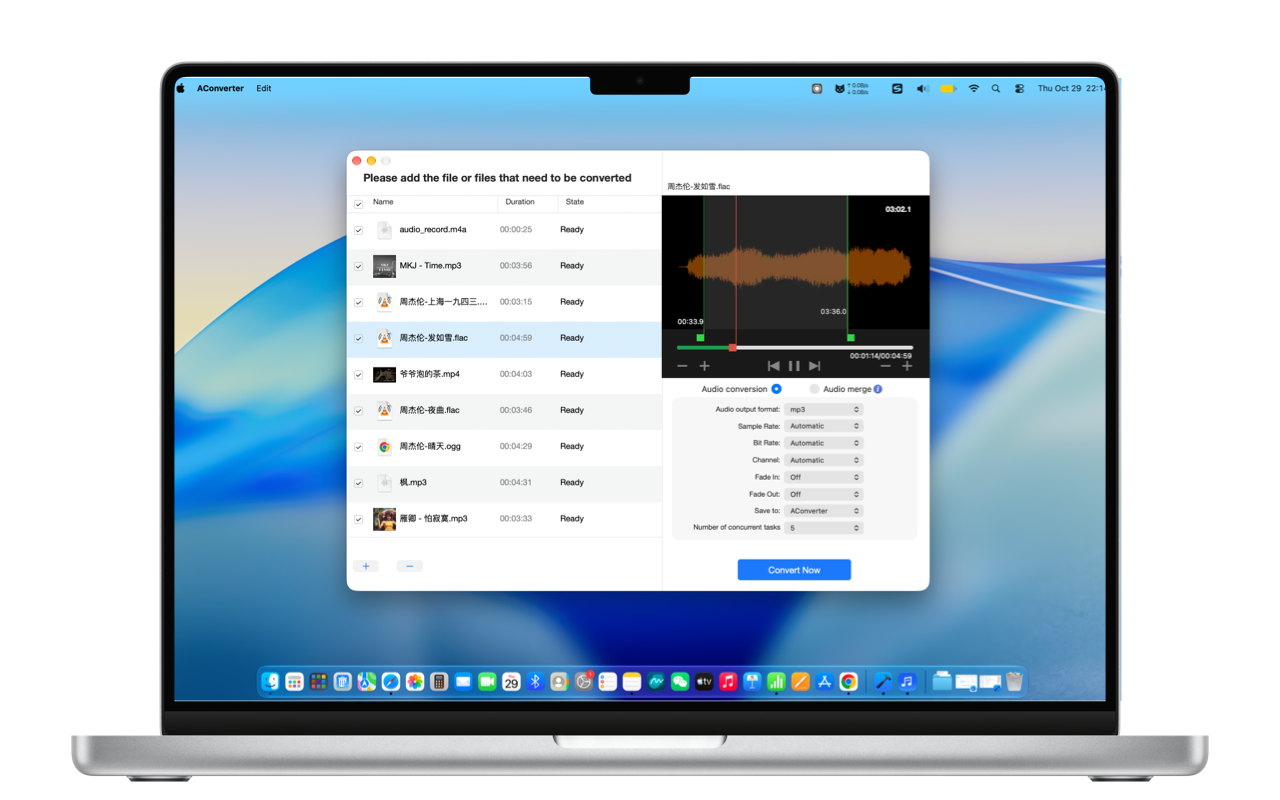
Unlock QQ Music (.mflac/.mgg) and NetEase Cloud (.ncm) songs to standard MP3/FLAC for your car audio system. Extract crystal-clear soundtrack from 4K movies and YouTube videos in seconds.
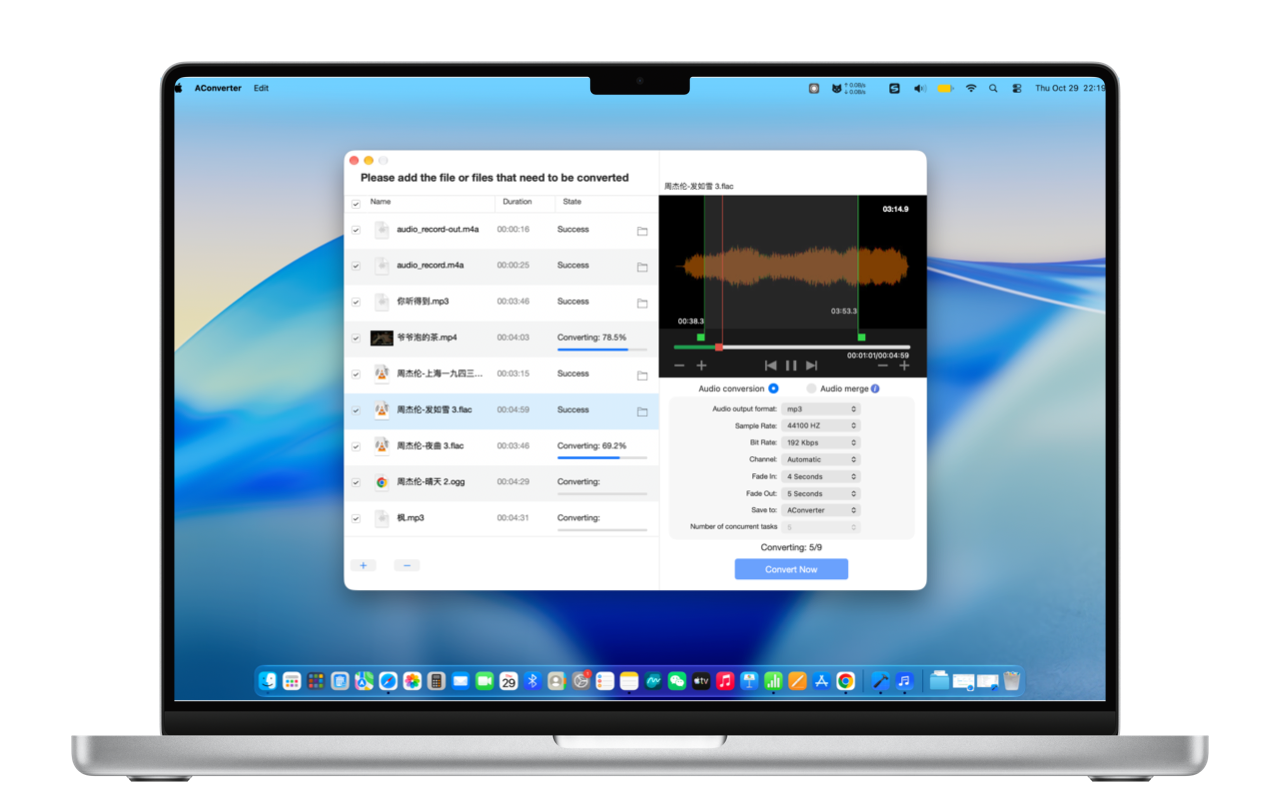
Cut your favorite 29-second climax with smooth fade-in/fade-out for instant iPhone .m4r ringtones. Batch process hundreds of songs with 8 parallel threads or concatenate separate audio files seamlessly.
Comprehensive compatibility across streaming, video soundtracks, and archival audio.
mp3, ncm, mflac, mgg, m4a, m4r, wav, aiff, flac, ac3, aac, ogg, caf, amr, mp2, ape, wma
mp4, mov, mkv, m4v, avi, wmv, webm, flv, ts
mp3, m4a, m4r, wav, aiff, flac, ac3, aac, ogg, caf, amr, mp2
Absolutely not. AConverter executes 100% of transcoding, video extraction, waveform trimming, and concatenation locally inside your Mac's Apple Silicon/Intel hardware. No internet connection is required, ensuring zero cloud leakage for private recordings.
These extensions are proprietary packaged formats designed only for their respective desktop apps. Standard car audio stereos and Hi-Fi DAPs lack the proprietary decoders. AConverter converts them directly into standard 320kbps MP3 or lossless FLAC files ready for USB playback.
It's seamless. The exported .m4r file matches iOS specifications. Connect your iPhone to your Mac via cable, open Finder, click your iPhone in the sidebar, and drag the .m4r file directly into the device window. Then head to iOS Settings > Sounds & Haptics > Ringtone to select it.
Not at all. AConverter is optimized for Apple Silicon performance and efficiency cores. Even under full 8-thread concurrency, RAM usage stays around tens of megabytes, converting each song in just 1-2 seconds quietly in the background without stuttering.
Zero privacy risks, 8-thread local concurrency, ringtone trimmer, and audio merger. Designed natively for Mac.
Download on Mac App Store