AppPad
The definitive macOS 26+ Launchpad alternative. Native Swift speed, custom grid layout, deep uninstaller, and flawless gesture controls.
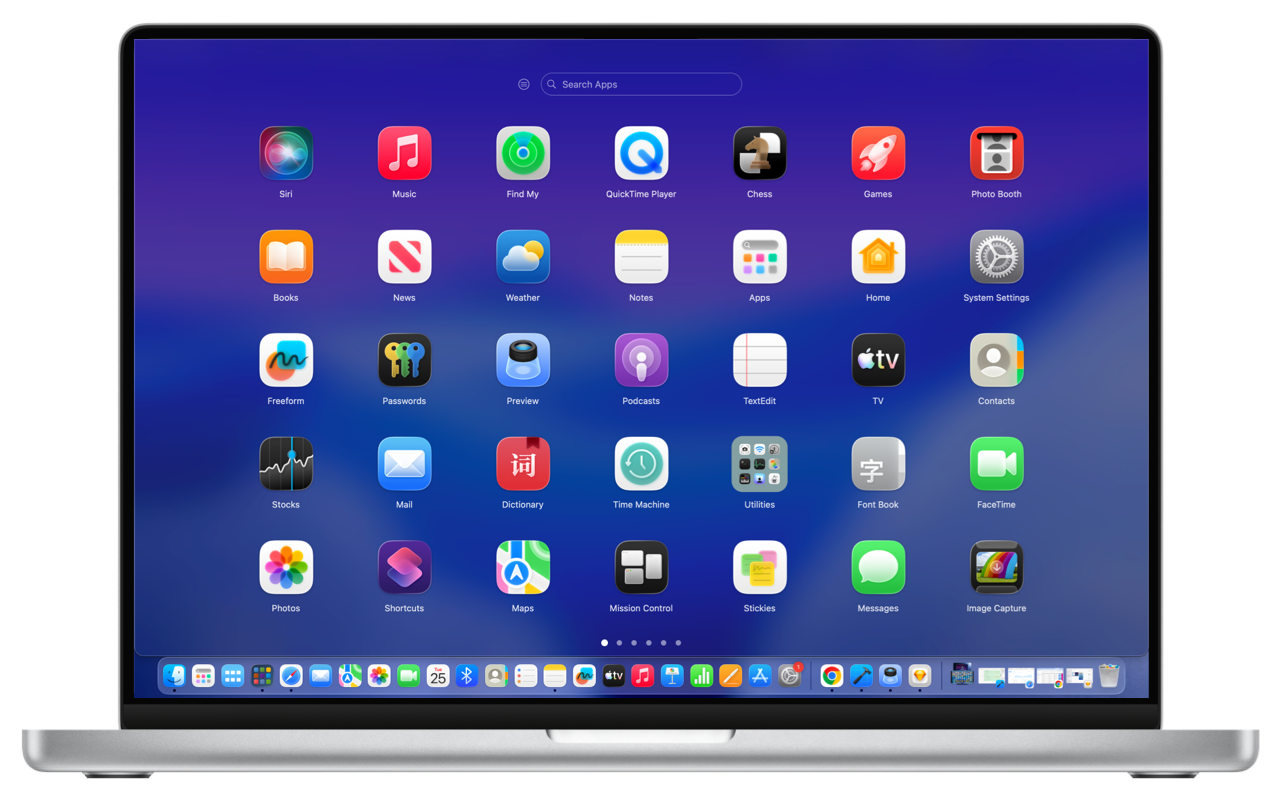
The definitive macOS 26+ Launchpad alternative. Native Swift speed, custom grid layout, deep uninstaller, and flawless gesture controls.
Display all your Mac applications in clean, paginated grids. Freely customize row and column counts and icon sizes, or toggle between immersive Fullscreen and sleek Windowed modes.
Drag apps to create and nest folders, adjust sorting order, drag across pages, or drag icons directly from AppPad into your macOS Dock.
Right-click any app to move it to a specific page or group, reveal in Finder, or trigger Deep Uninstall to scan and nuke hidden ~/Library caches, preferences, and leftover files.
Right-click any folder to quickly rename, move the entire group to another page, or ungroup to automatically dissolve icons back into the current page.
Trigger AppPad exactly how you like: authentic 4-finger or 5-finger pinch gestures on the trackpad, custom global keyboard shortcuts, or screen Hot Corners.
Never rearrange apps from scratch. Export and import AppPad layout backups, or restore your legacy macOS Launchpad folder structure with a single click.
Index apps beyond the default /Applications and /System/Applications folders. Add ~/Applications, Steam libraries, Setapp tools, or custom portable directories.
Flip between pages naturally with standard mouse scroll wheels, fluid two-finger trackpad swipes, or mouse click-and-drag gestures.
Start typing anywhere to filter apps in real time. Combine visual spatial layout with fast fuzzy matching to launch any app in milliseconds.
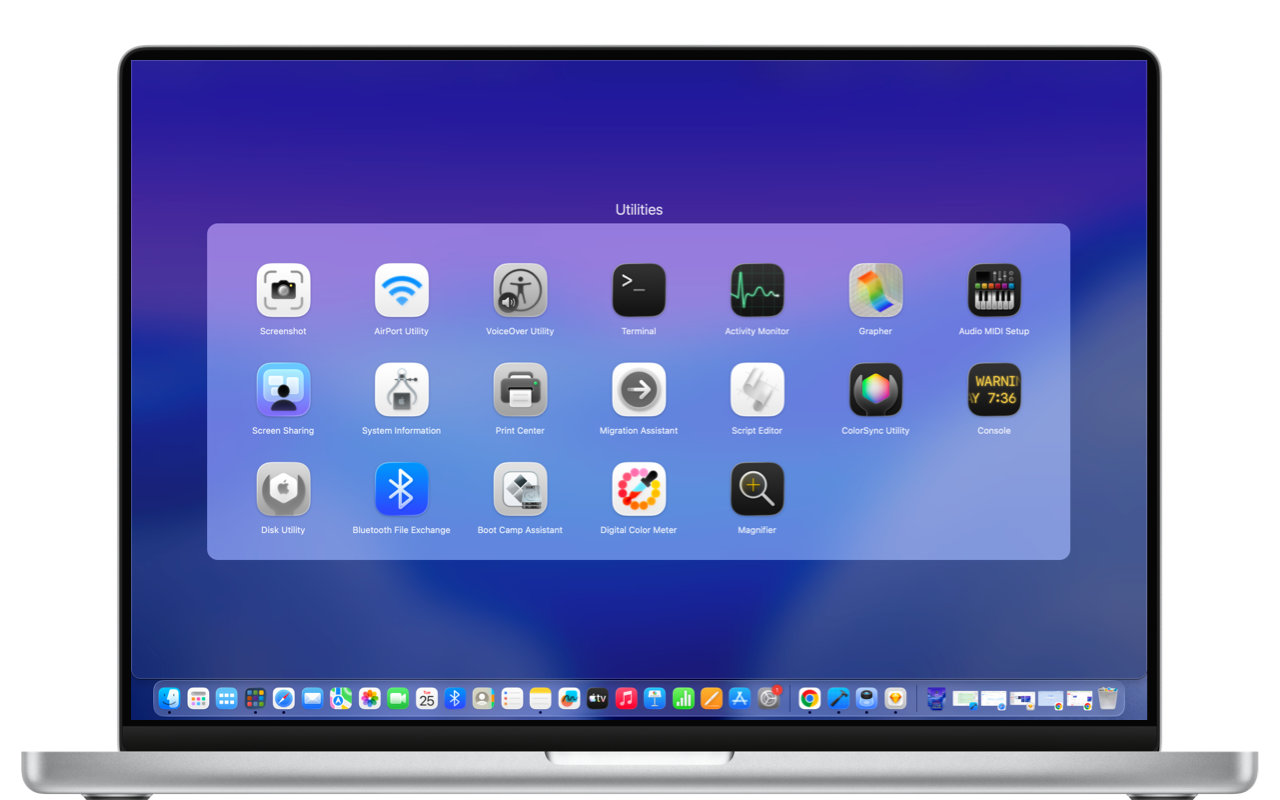
Break free from fixed 5×7 grids with giant wasted borders. Tailor your grid density, scale icons to your liking, and choose between full-screen and floating window layouts.
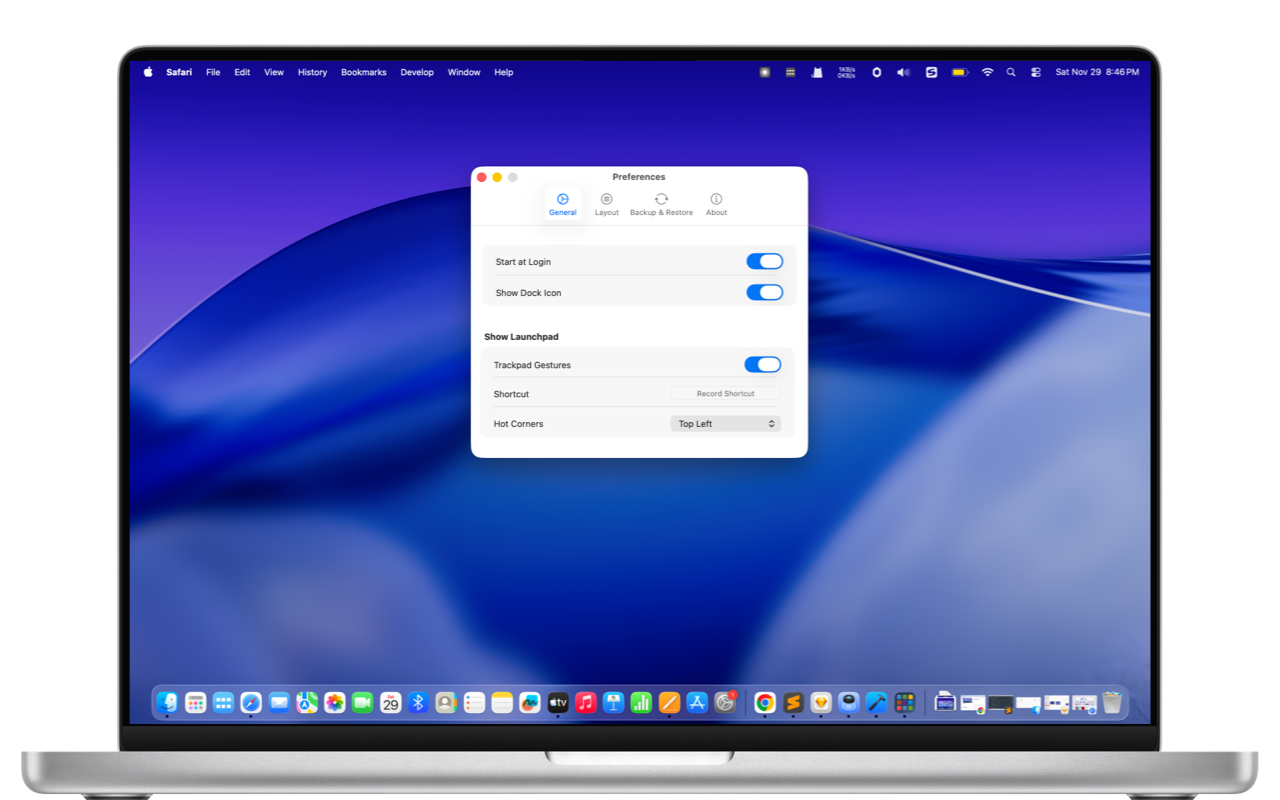
Move apps across pages without clumsy dragging. When you're done with an app, use Deep Uninstall to wipe application support files, logs, and caches in seconds.