macOS Disk Utility
NTFSSync
Userspace NTFS read-write driver & direct formatter for macOS. No kernel extensions, no security compromises.
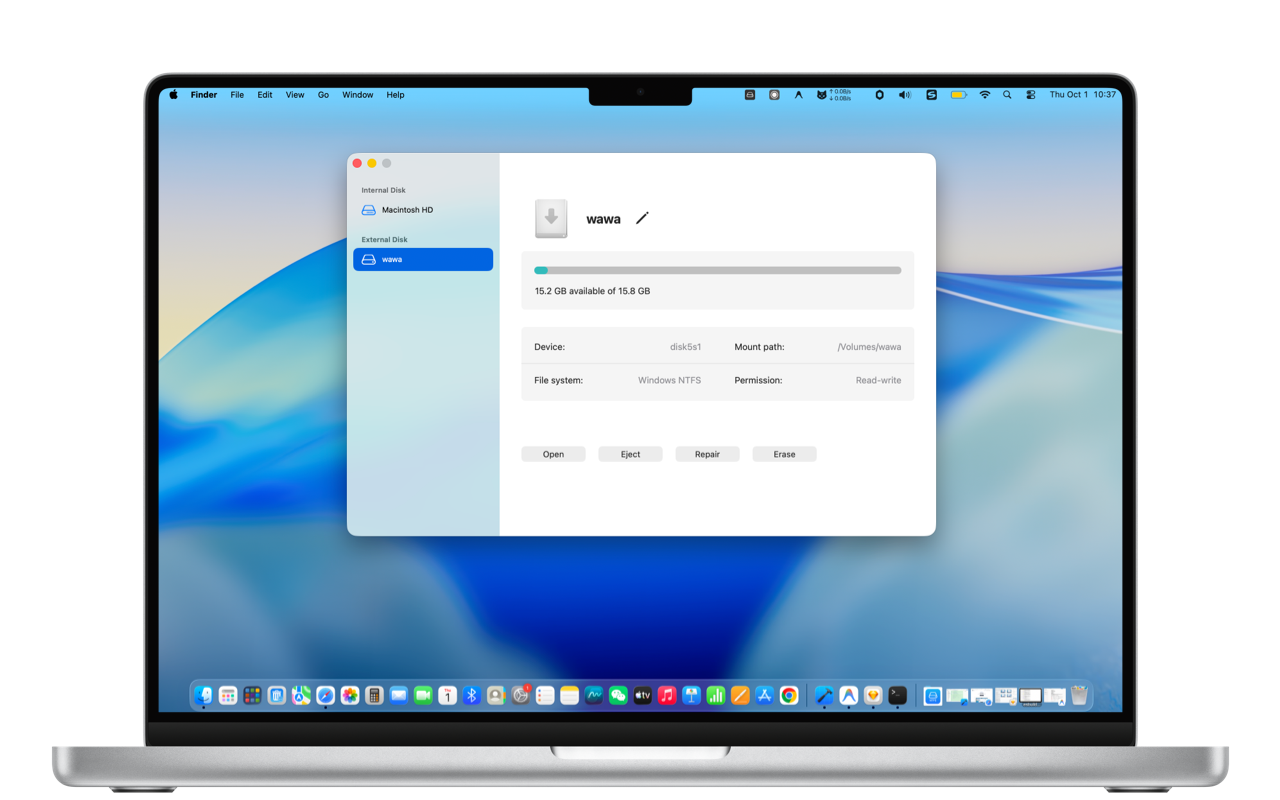
Userspace NTFS read-write driver & direct formatter for macOS. No kernel extensions, no security compromises.
Powerful and rock-solid disk management engineered for macOS
Powered by modern FUSE-T over local NFS v4 protocol. Runs completely in userspace without requiring third-party kexts, keeping System Integrity Protection (SIP) untouched and eliminating kernel panics.
Bypass macOS Disk Utility limitations. Easily erase and format non-NTFS external USB thumb drives, SSDs, and mechanical hard drives directly into clean, standard NTFS format.
Plug in your external drive and start working right away. Partitions mount automatically with full read and write access without running manual terminal commands.
Optimized for both Apple Silicon (M1–M4) and Intel Macs. Copies large 4K video clips, virtual disk images, and massive project archives at native hardware speeds.
Diagnose volume health and fix dirty bit errors caused by unsafe disconnections on Windows PCs, restoring write access without wiping your data.
Safely unmount all connected external disks with a single menu bar click to protect filesystem headers before pulling cables.
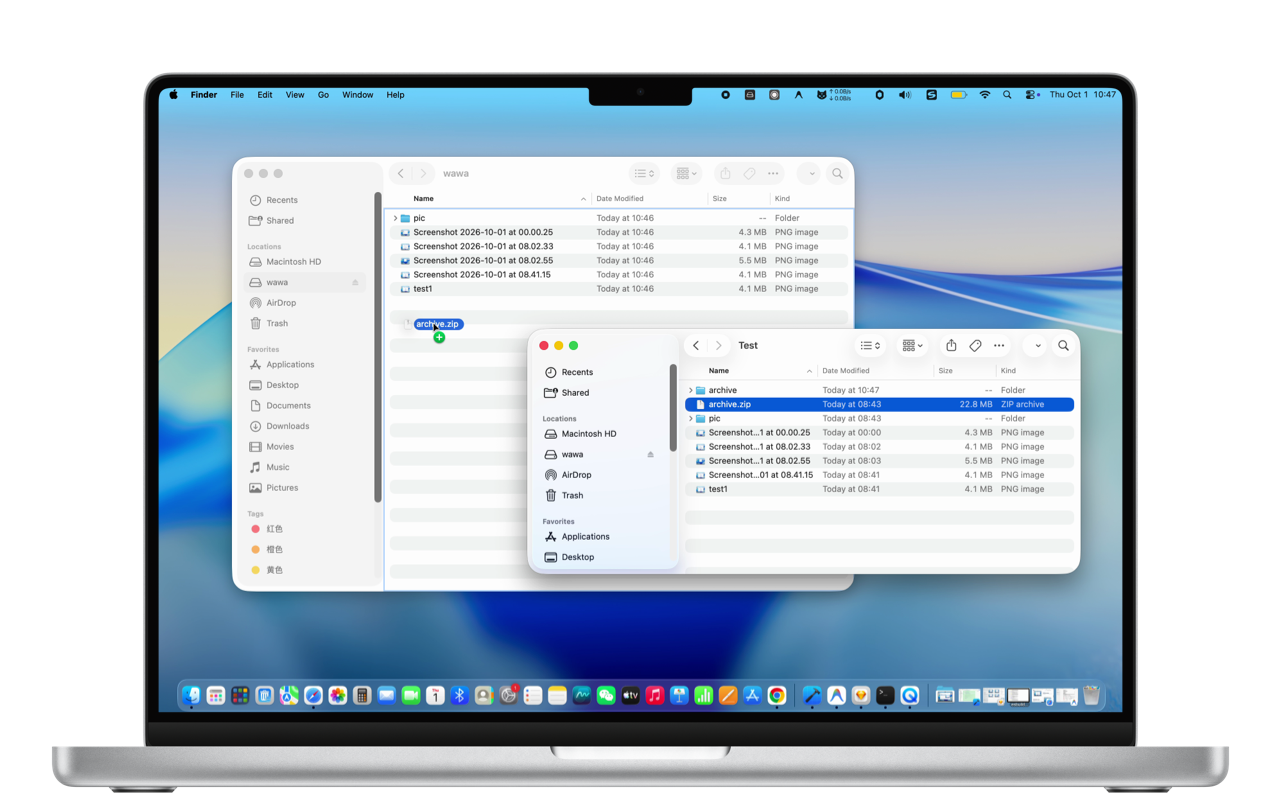
No Windows machine nearby? Plug in your drive, format it to NTFS in seconds, and start transferring large files across platforms without hitting FAT32's 4GB ceiling.
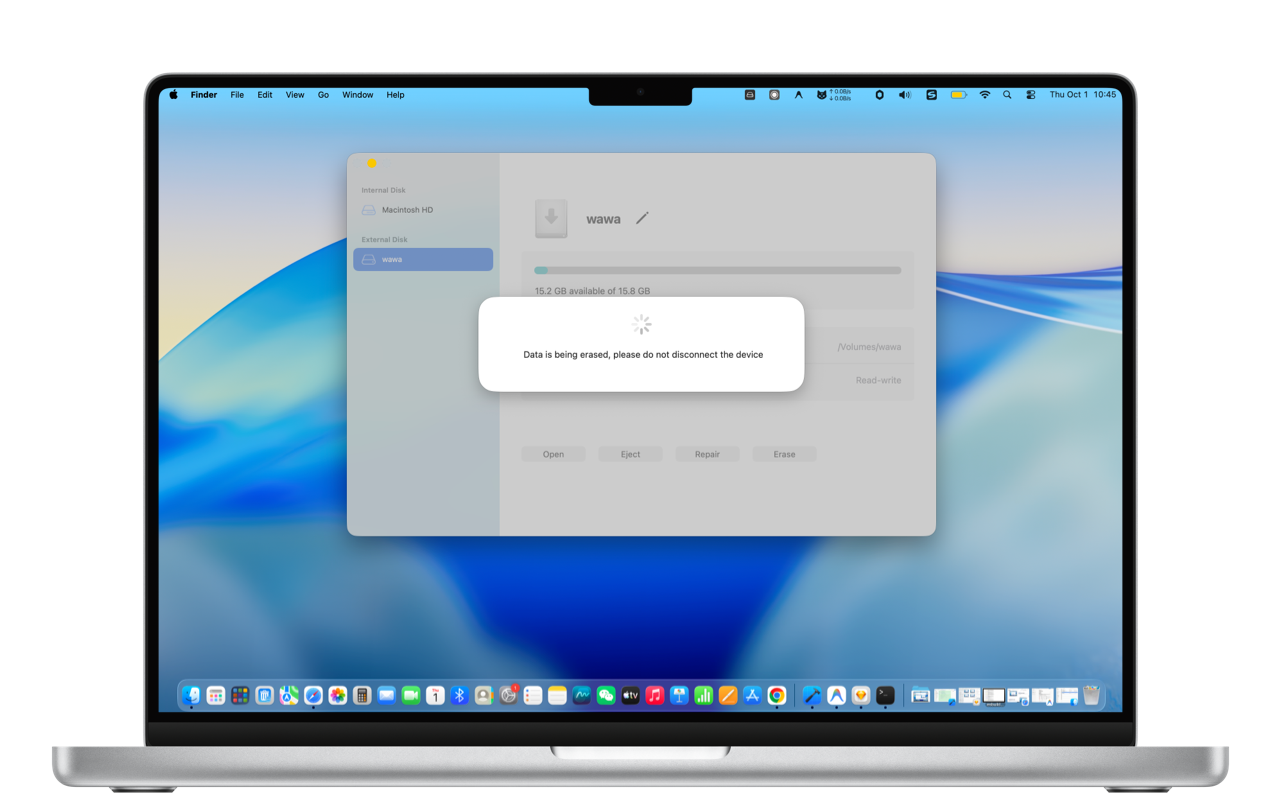
Forget holding the power button to boot into Recovery Mode or lowering security policies. NTFSSync runs entirely in userspace, making it fully safe for personal setups and corporate MDM devices.
Overcome everyday external storage roadblocks on Mac
You plug in a colleague's or client's Windows drive, but Finder blocks dragging, editing, or saving files onto it.
macOS Disk Utility cannot create NTFS partitions. You need a Windows-ready drive without hunting for a PC.
Tired of older drivers forcing you into Recovery Mode to enable reduced security just to read an external disk.
Corporate MDM profiles strictly prohibit installing kernel extensions, rendering legacy NTFS tools unusable.
Compatible with macOS 10.15+. Free download on Mac App Store.
Download on Mac App Store