DeviceMirror
Dual-mode USB & Wi-Fi iOS screen and audio mirroring for Mac with multi-device support, 4K resolution, and recording
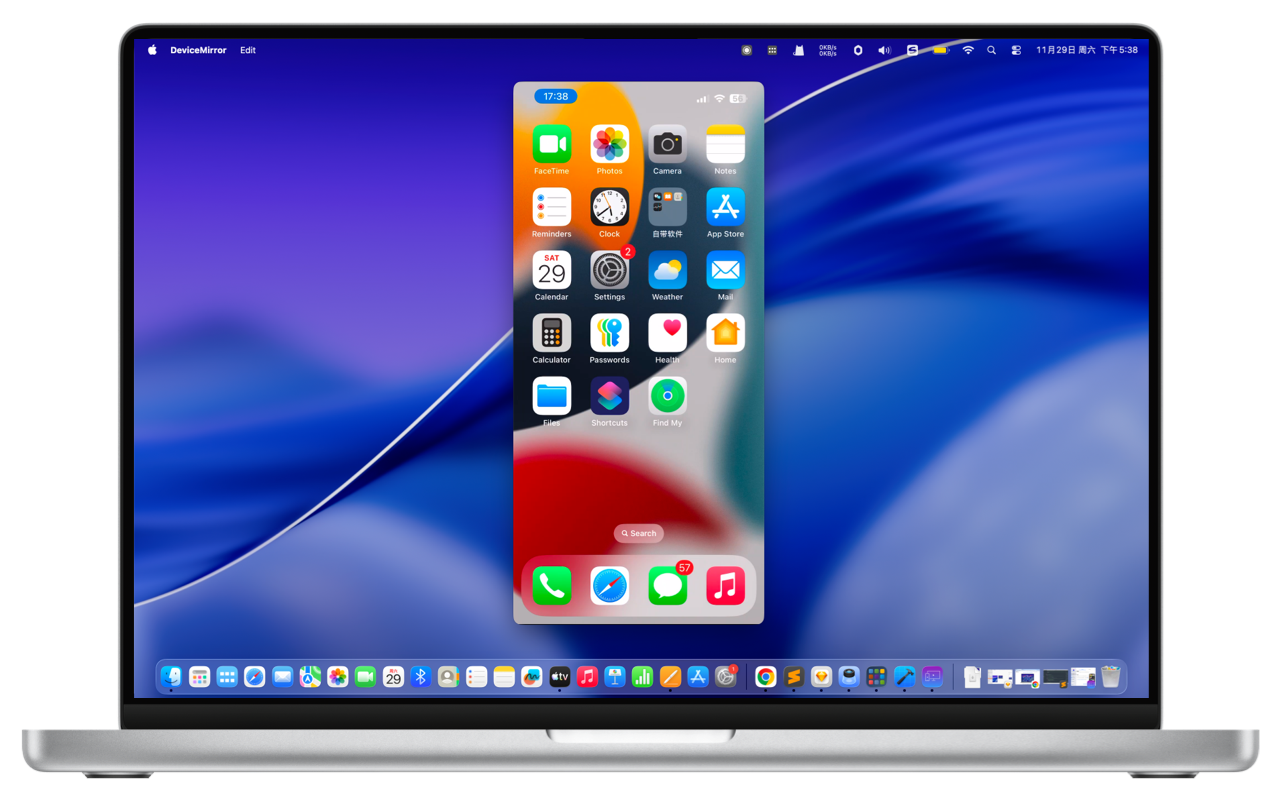
Dual-mode USB & Wi-Fi iOS screen and audio mirroring for Mac with multi-device support, 4K resolution, and recording
Supports native AirPlay wireless mirroring and direct USB cable connection. Zero app installation required on your iPhone/iPad.
Break free from single-device limits. Mirror multiple iPhones and iPads to a single Mac display at the same time for testing and side-by-side comparison.
Supports 720P, 1080P, and 4K resolutions via USB cable with smooth 60 FPS output and ultra-low latency for gaming and professional presentations.
Wirelessly mirror over your local network at up to 2.5K resolution. Cable-free convenience for meeting presentations and living room entertainment.
Capture mirrored video and system audio directly to MP4, MOV, or animated GIF files without taking up phone storage space.
Take instant high-resolution screenshots in lossless PNG or compressed JPEG formats with a single click on your Mac.
Effortlessly cast movies and live streams from YouTube, Tencent Video, iQiyi, and 200+ online video streaming sites to your Mac.
Stream high-fidelity system audio from iOS to your Mac speakers. Listen to phone music, podcasts, and video audio in pristine quality.
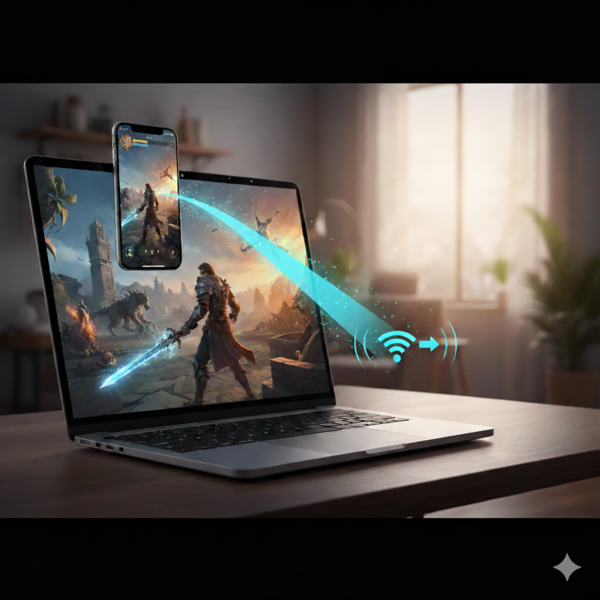
Cast HD movies and TV shows from YouTube and 200+ streaming sites to your Mac's Retina display. Experience zero-lag 4K 60FPS mobile gaming and listen to phone music on Mac speakers.
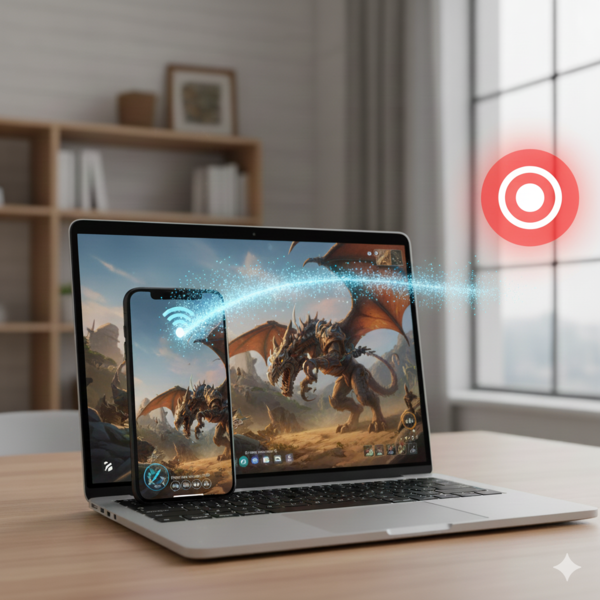
Record iOS screen tutorials directly to MP4, MOV, or GIF files on Mac with real-time PNG/JPEG snapshots. Simultaneously mirror multiple test devices for seamless multi-device QA.